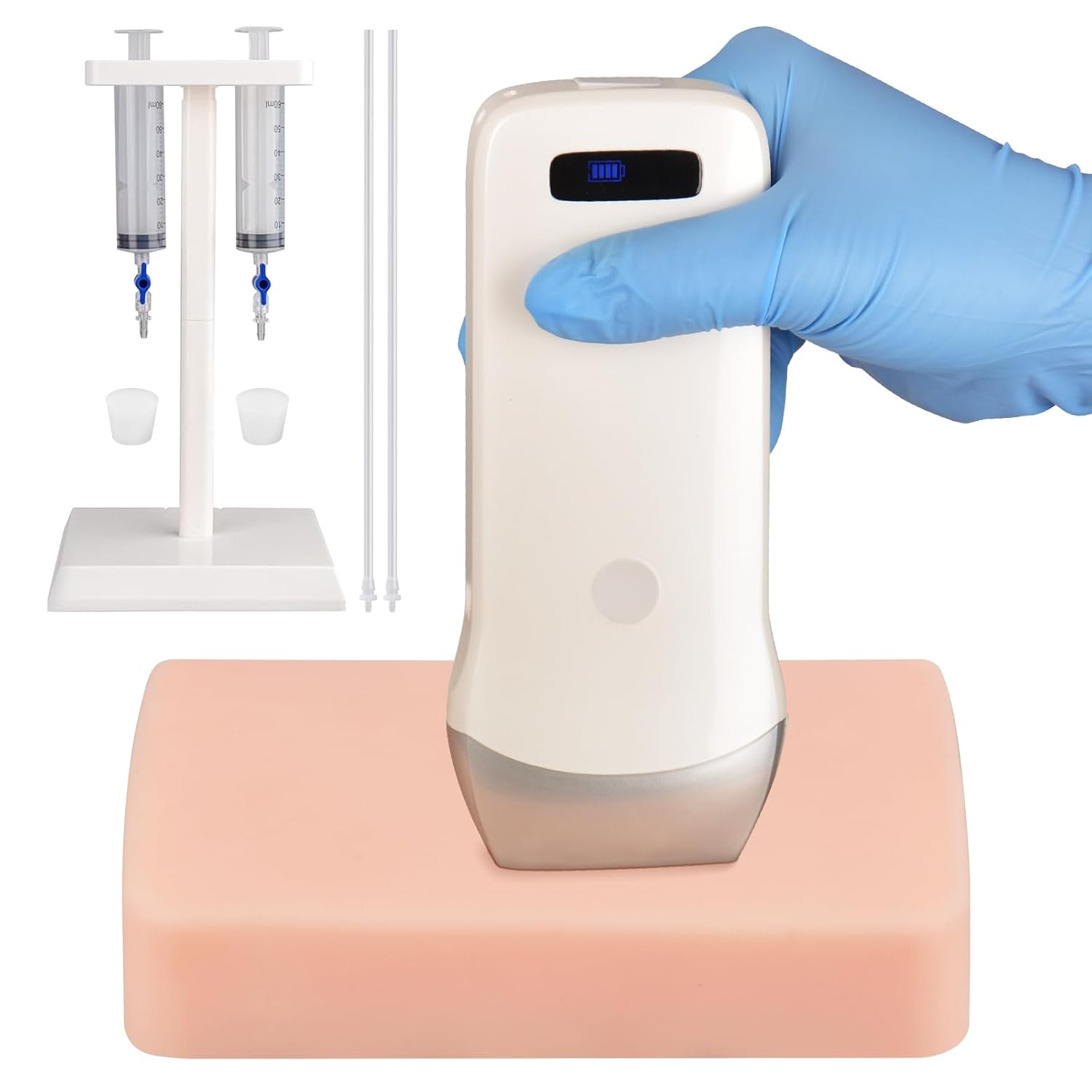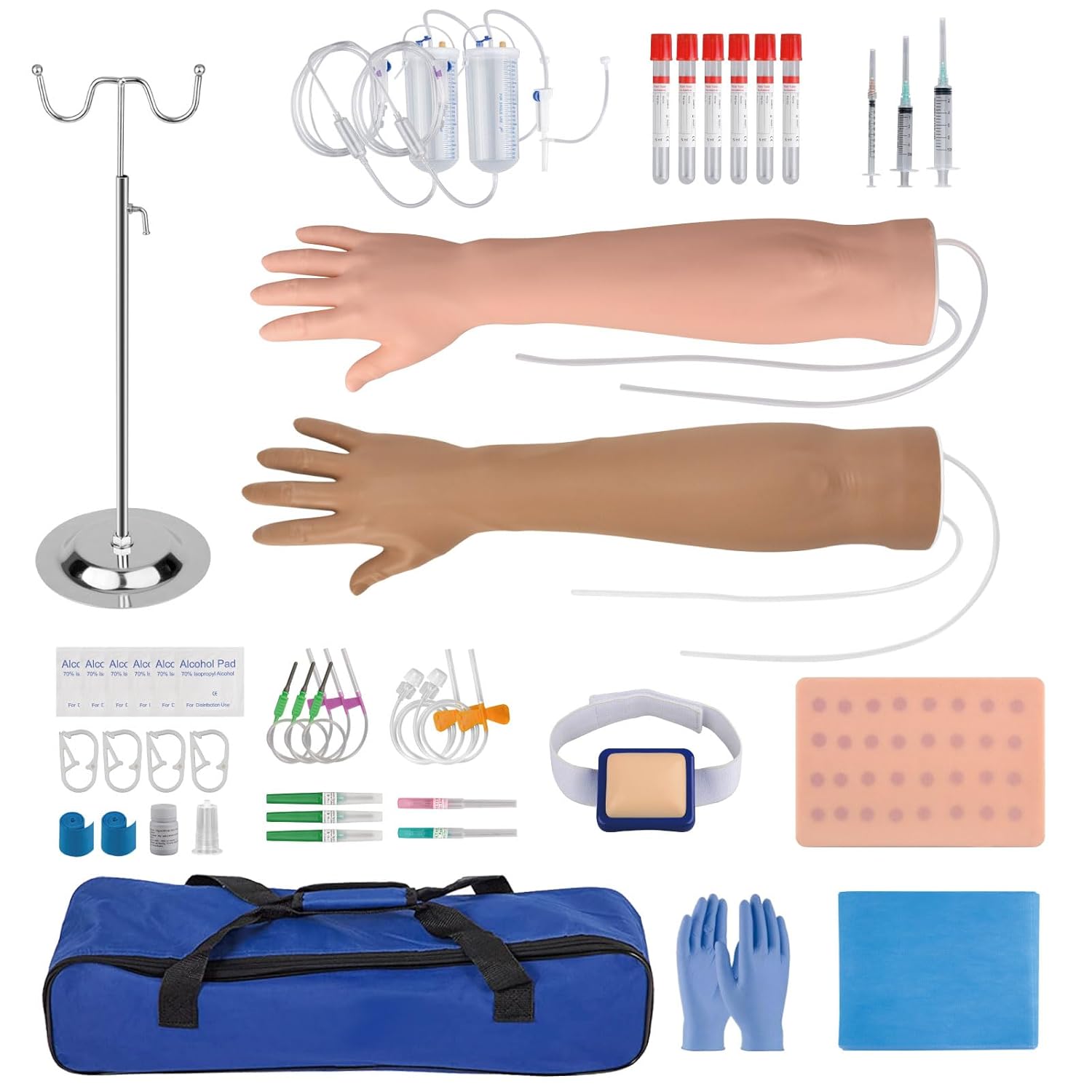
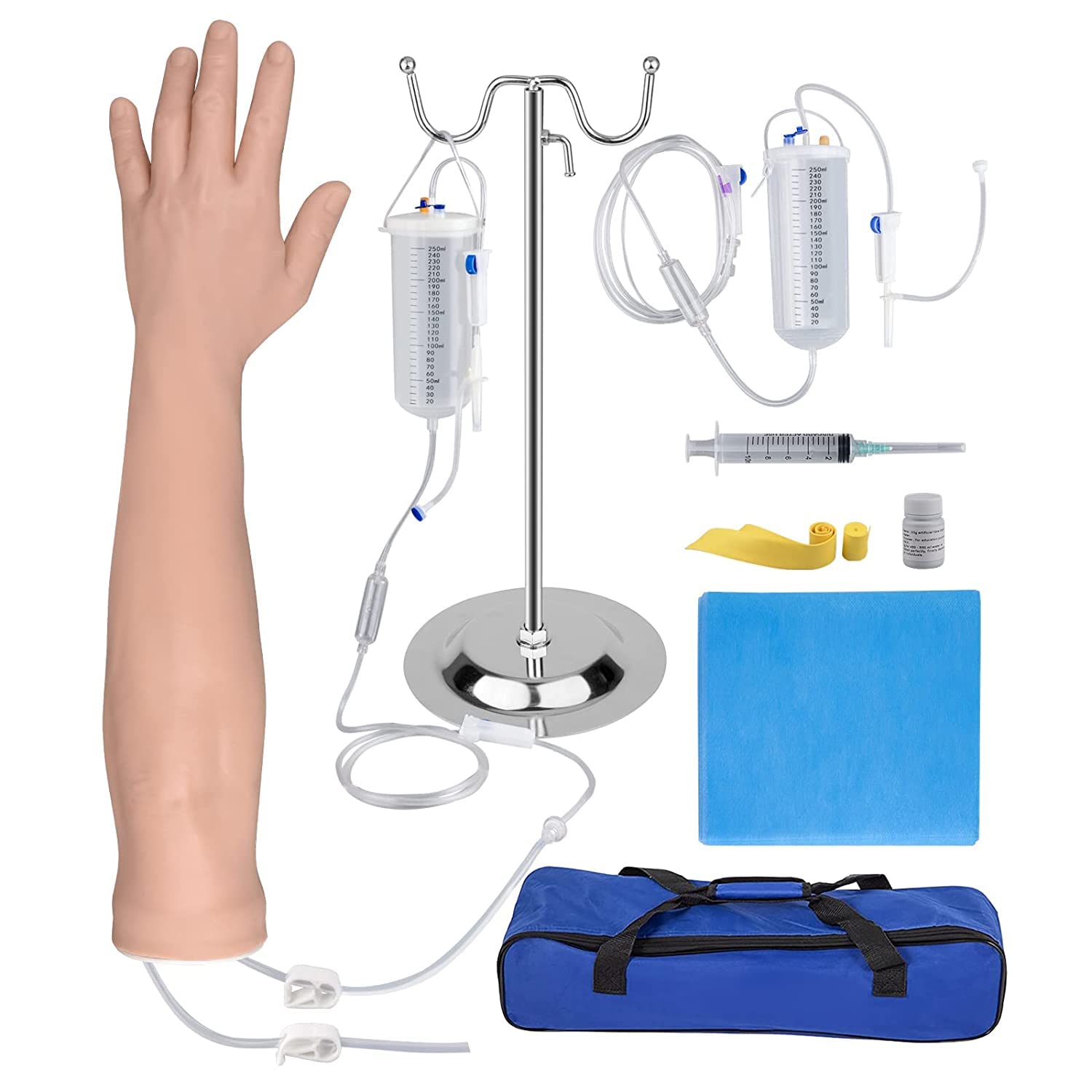
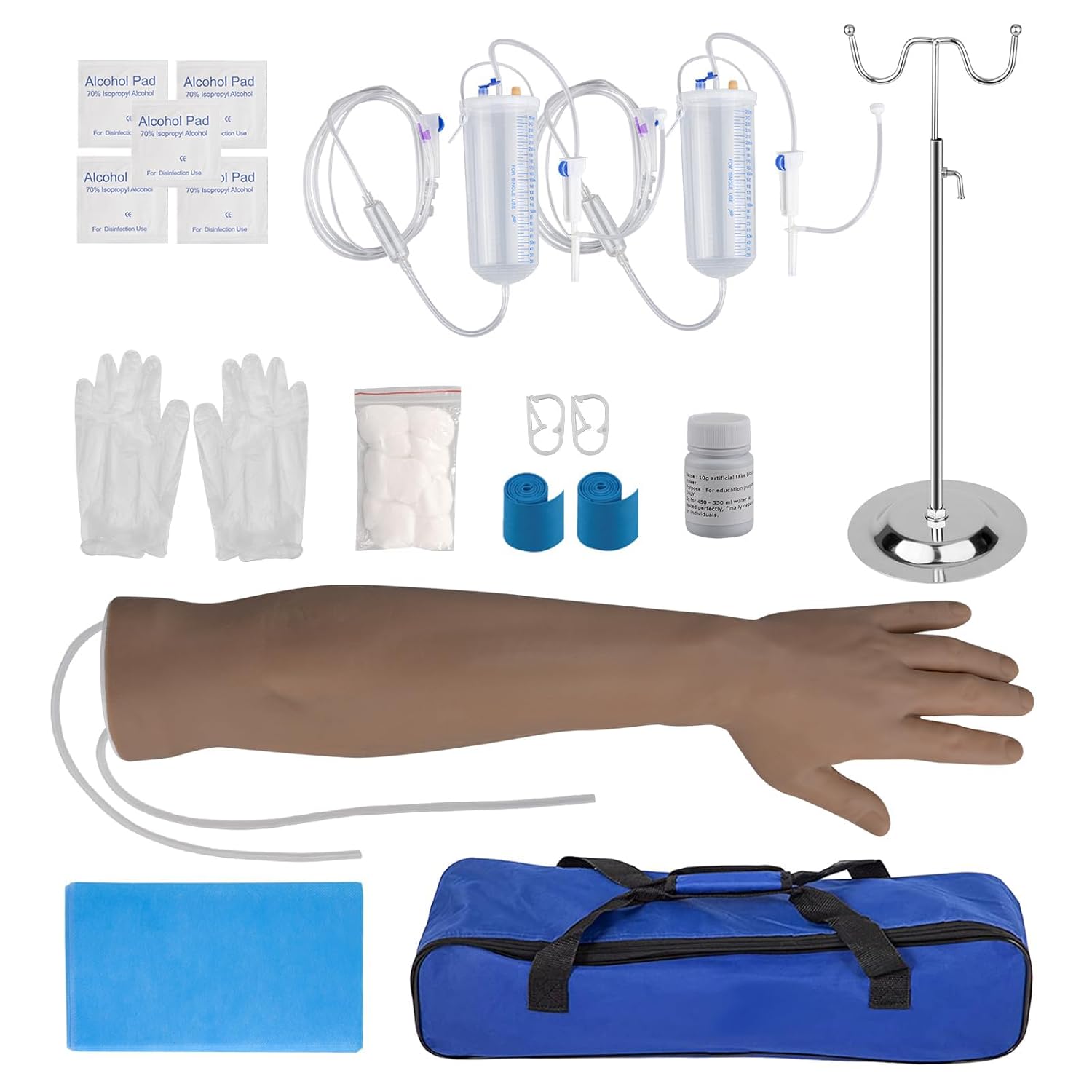
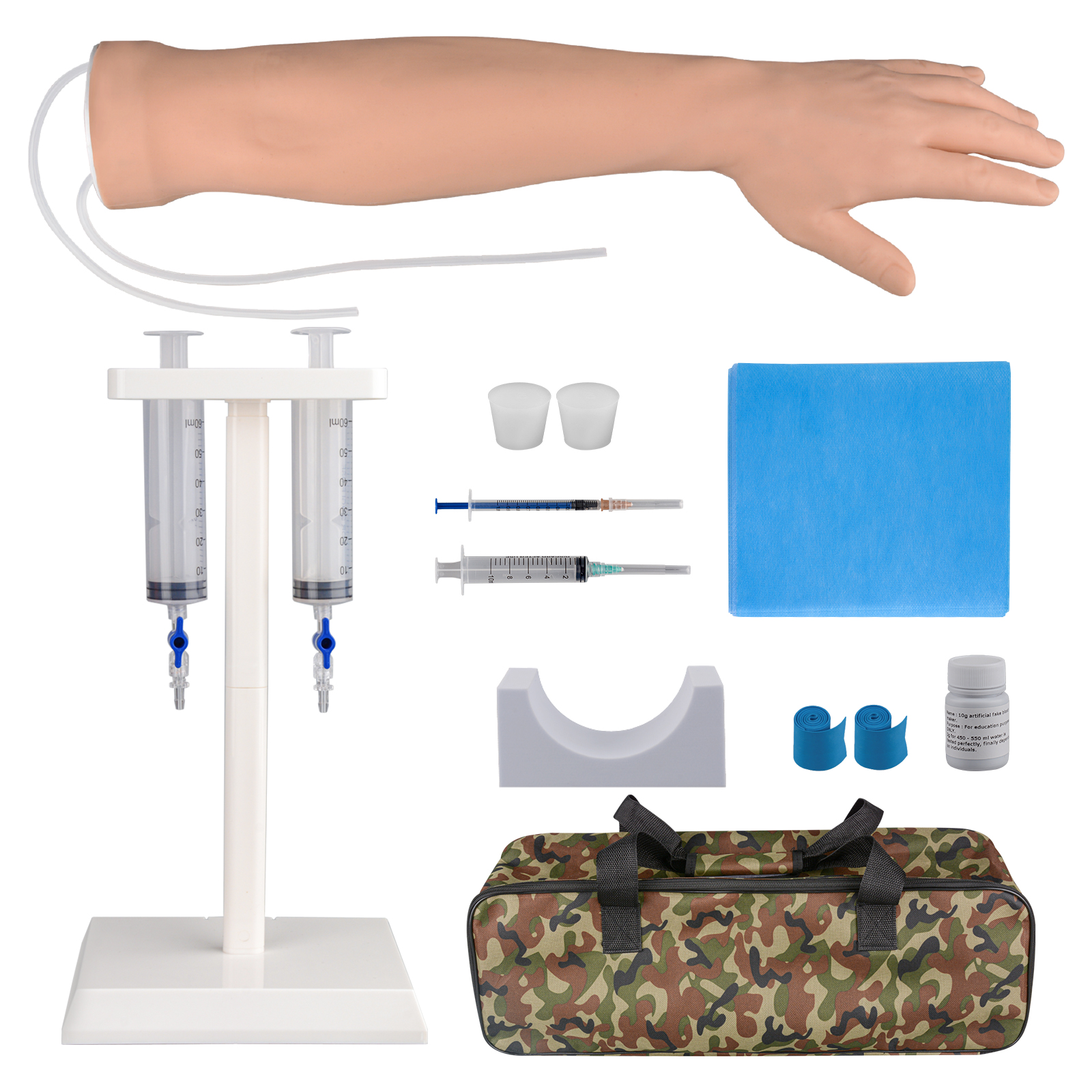
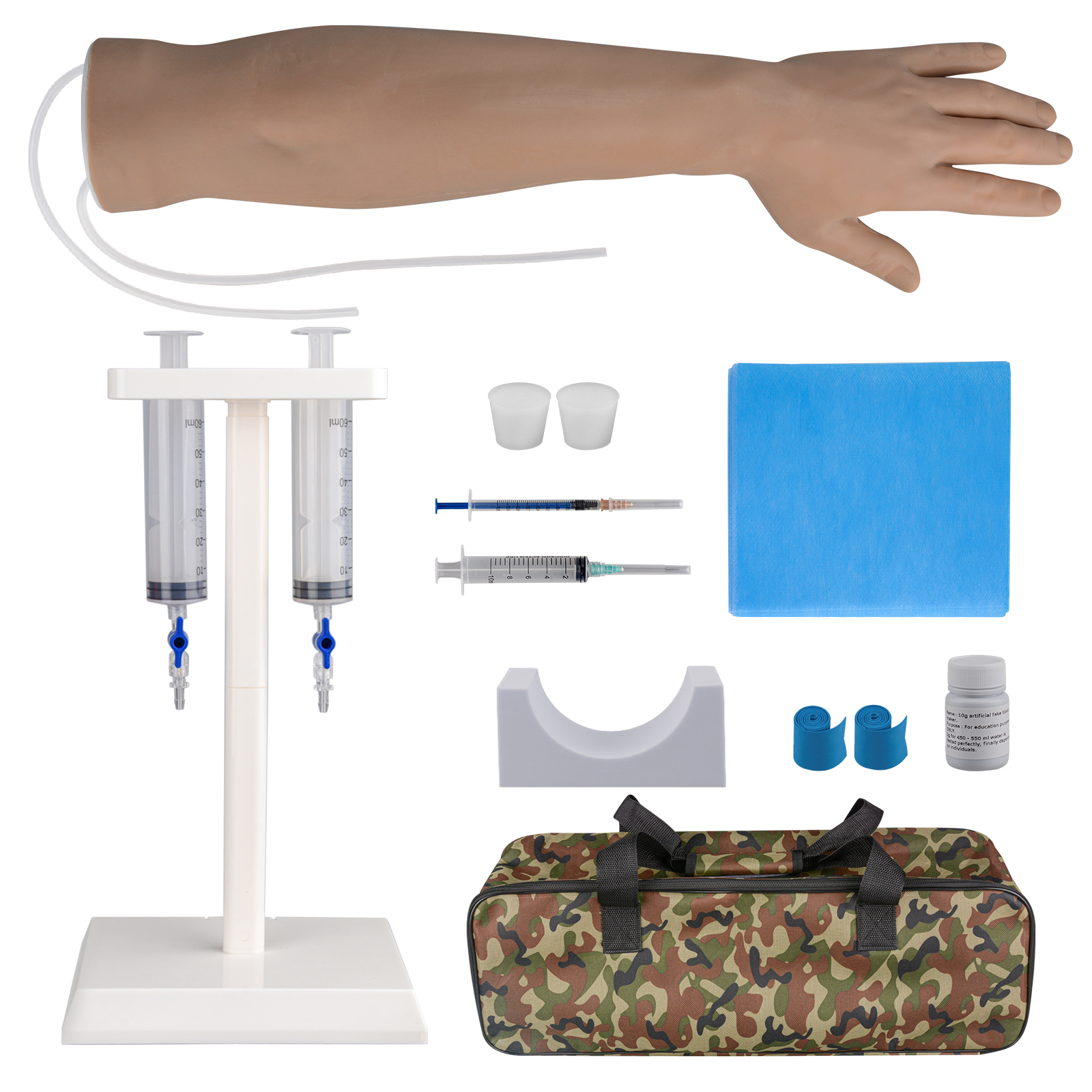
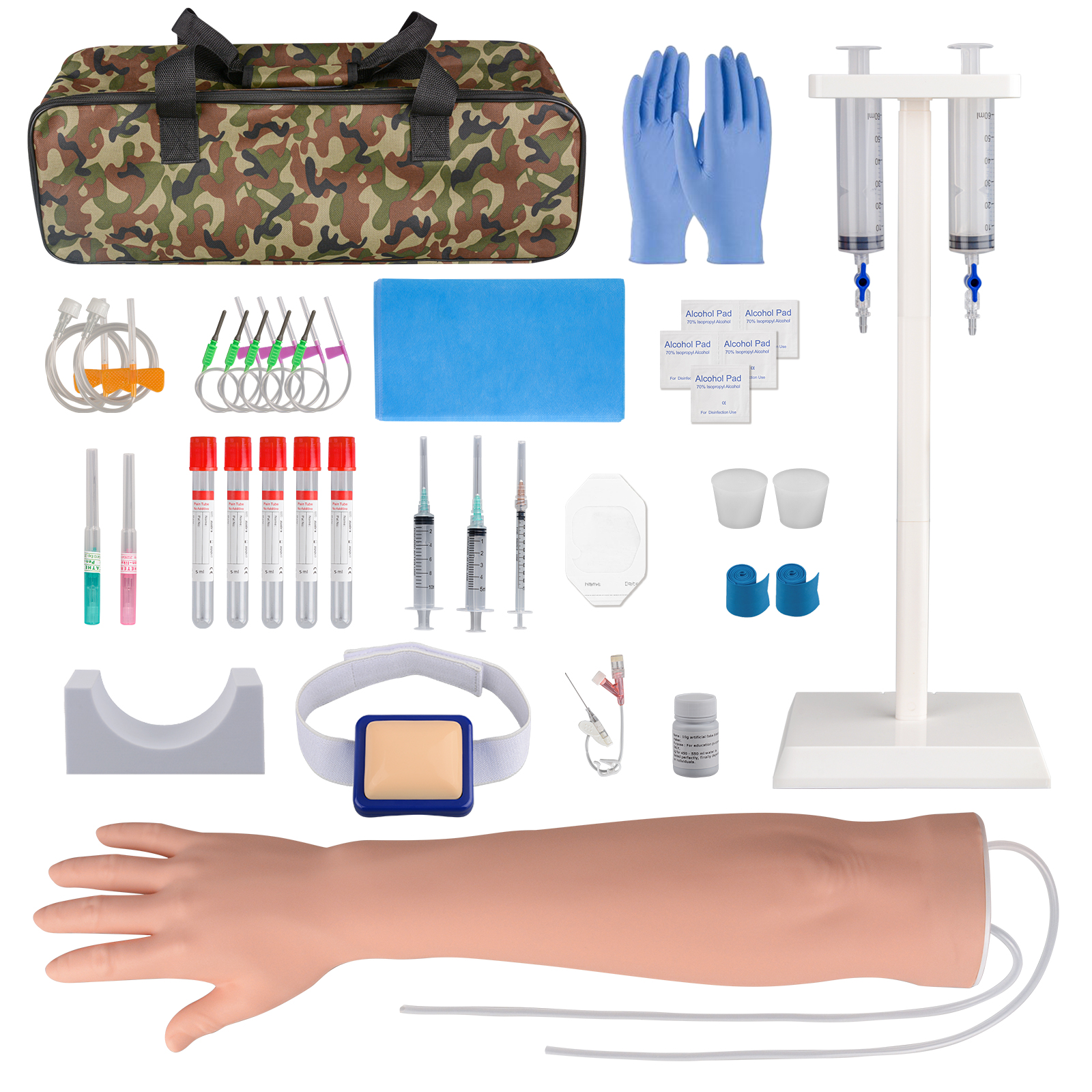
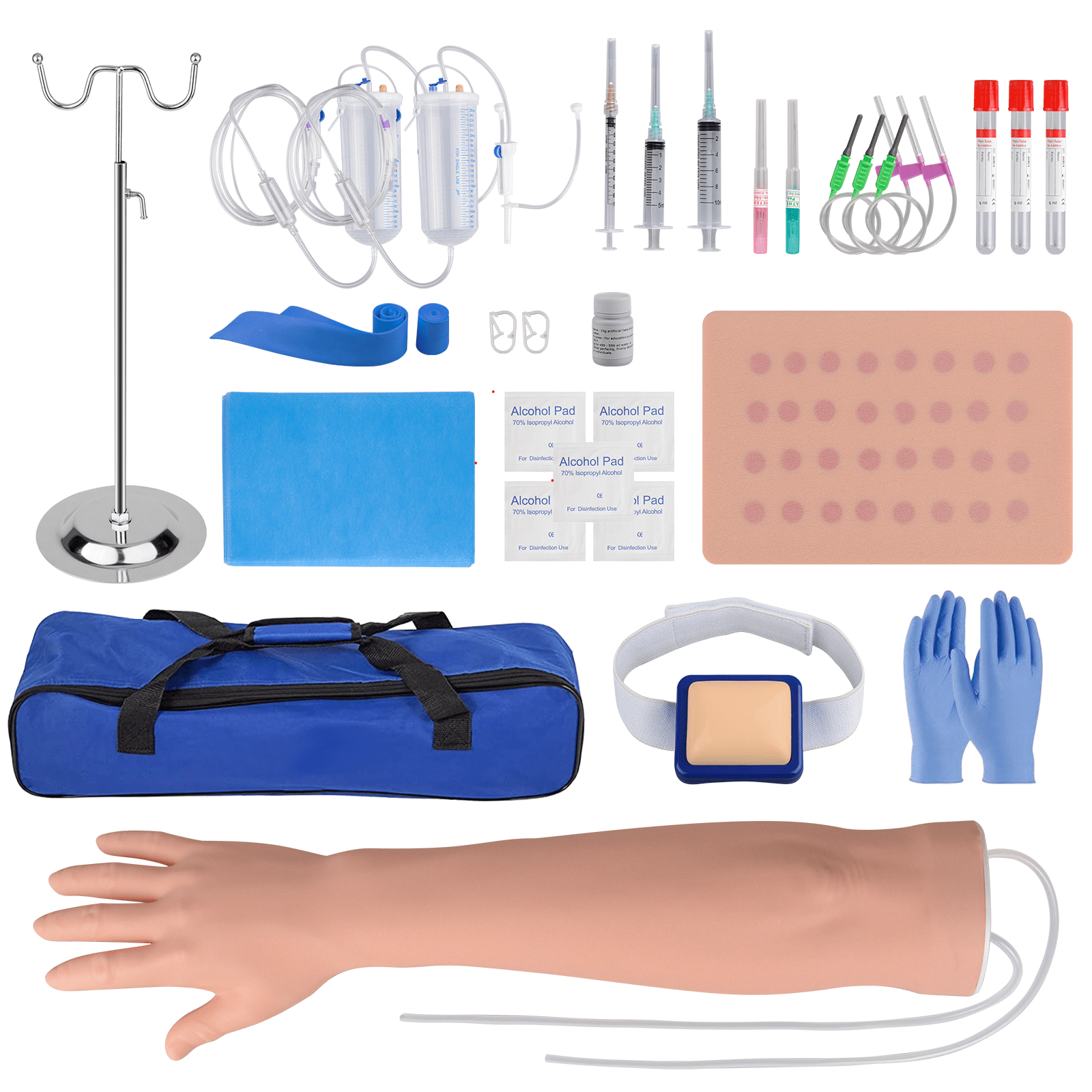
Overview
Ultrasound-guided vascular access is a vital skill for clinicians, nurses, and medical students. SimCoach Ultrasound-Guided Vascular Access Simulator is to help practice this skill safely and effectively.
Why Choose Our Ultrasound Vascular Access Simulator?
Choosing the right training model is key to mastering ultrasound-guided vascular puncture. Here’s why the SimCoach Ultrasound Training Simulator stands out:
- Clear imaging and broad ultrasound machines compatibility
- High-quality silicone with soft, realistic texture
- Features four vessels of varying diameters and depths
- Simulated blood flow for realistic practice
- Easy to clean, durable and long-lasting design
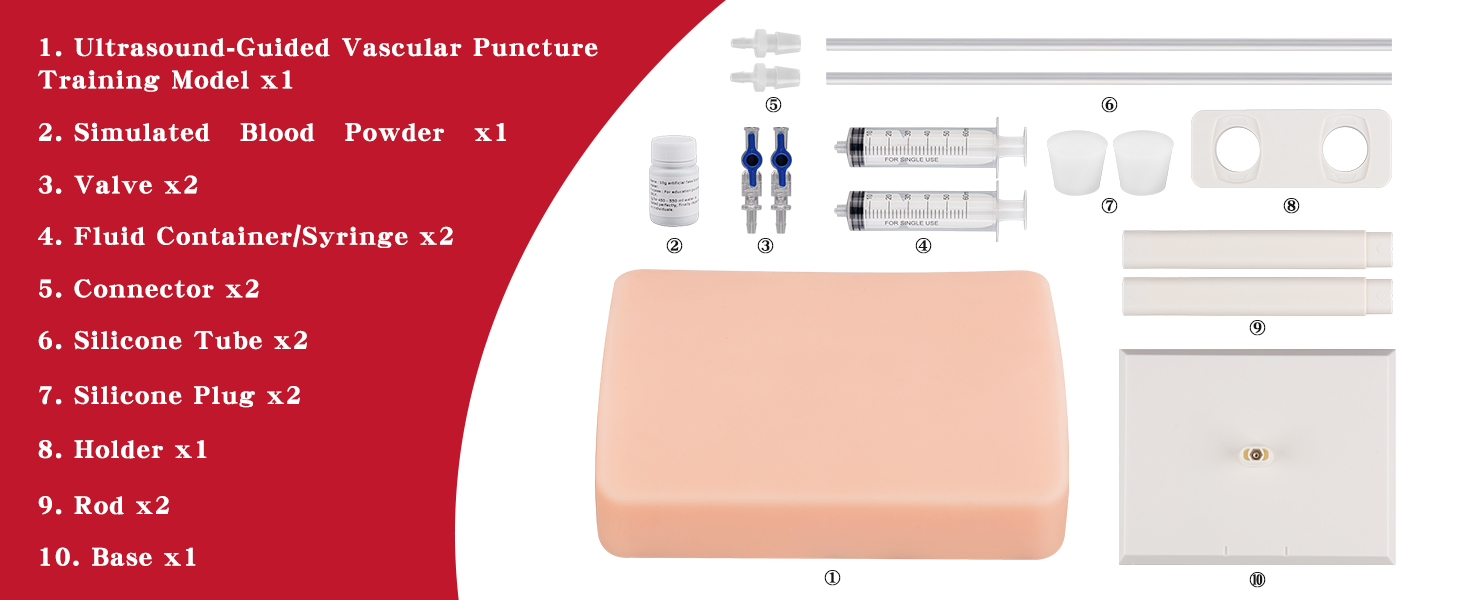
Set Up & Use Guide: Step-by-Step
Step 1: Place the plastic stand on a flat surface and assemble it.
Step 2: Place the fluid container and remove the injection plug.
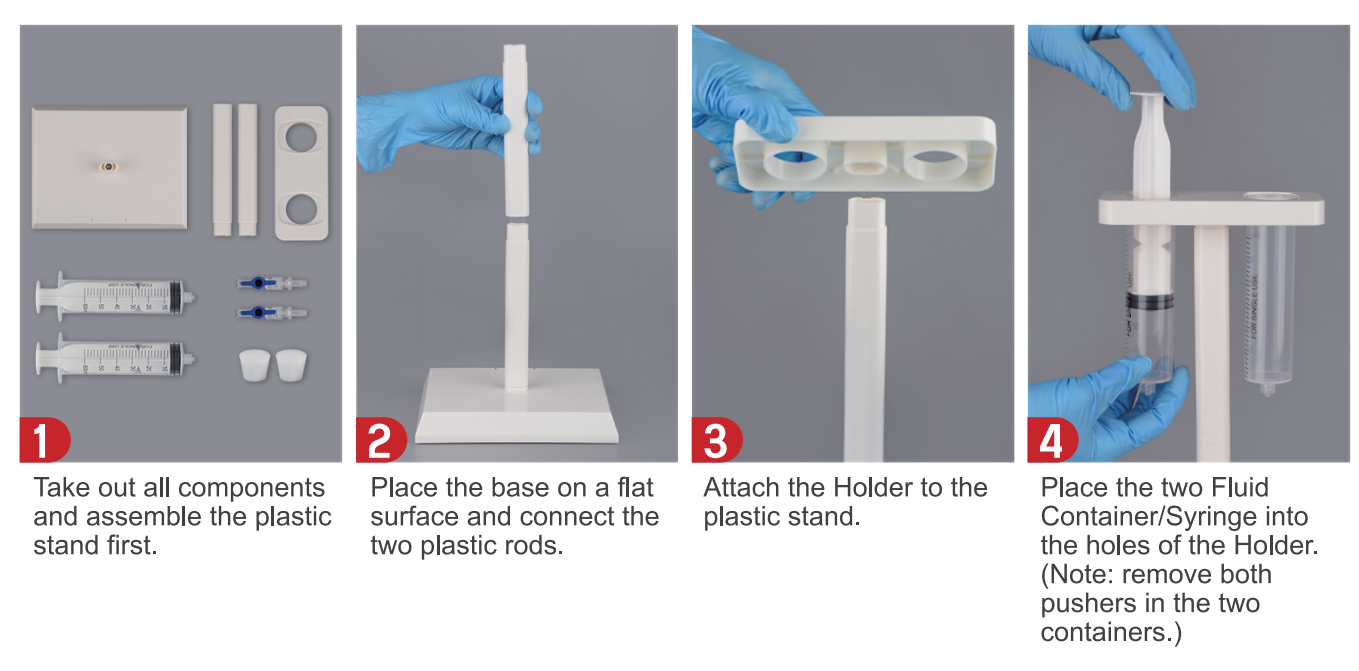
Step 3: Connect the fluid container to the simulator using the tubing.
Step 4: Close one side of the valve and pour the simulated blood into the container.
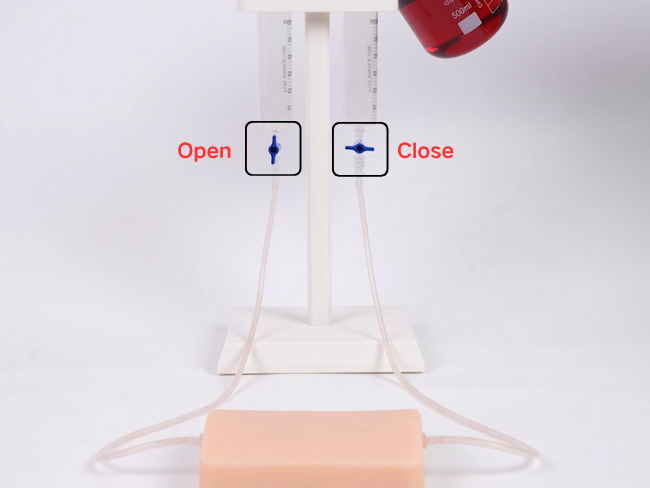
Step 5: Open the valve to fill the other container, then wait for the flow to stop before training.
.png?w=650&h=488)
.png?w=650&h=488)
Step 7: Apply ultrasound gel to the simulator and connect the ultrasound machine to the monitor.
(Note: Gel and ultrasound machine are not included.)
Step 8: Begin practicing vascular puncture.
.png?w=650&h=488)
▶️Watch how it’s used for effective ultrasound-guided vascular training
Clean & Maintenance Tips
1. Wash gently: Use lukewarm water after each session.
2. Avoid harsh chemicals: Do not use alcohol, bleach, or abrasive cleaners.
3. Dry completely: Pat dry or air dry before storing.
4. Store properly: Keep in a cool, dry place, away from direct sunlight.
🛒Visit our product page to get your ultrasound vascular access simulator now→

📄Related Article: